
Two major shifts reshaping how we use our phones, from the screen that hides your secrets, to the chip that no longer needs a slot.
The Samsung Galaxy S26 Ultra
Your Screen Is Spying On You, Here’s How Samsung Is Fixing That
We check our bank balances in public spaces. We read private messages in coffee shops. We type passwords in packed queues. And every time we do, someone standing at an angle can see it all. Samsung’s Galaxy S26 Ultra just changed that, permanently.
Think about the last time you used your phone in public. Maybe you were checking your FNB app at a checkout, scrolling through a work email on a taxi, or entering your PIN at a till. Chances are, someone standing nearby could see exactly what was on your screen. It’s a problem so normalised we’ve stopped noticing it, until now.
The World’s First Built-In Privacy Display
Samsung has done something genuinely new with the Galaxy S26 Ultra. For the first time on any mobile phone, privacy protection is built directly into the display panel itself, not as a stick-on accessory, but as a hardware-level feature called Flex Magic Pixel technology.
When you activate Privacy Display mode, the screen divides its pixels into two groups: narrow pixels and wide pixels. The wide pixels switch off, and the narrow pixels control the path of light, so your screen looks perfectly clear and bright to you, but goes near-dark to anyone viewing it from the side.
Unlike a privacy film that clips on and dulls the display, Samsung bakes this directly into the AMOLED panel, so there’s no trade-off in screen quality when it’s off, and real privacy protection when it’s on.
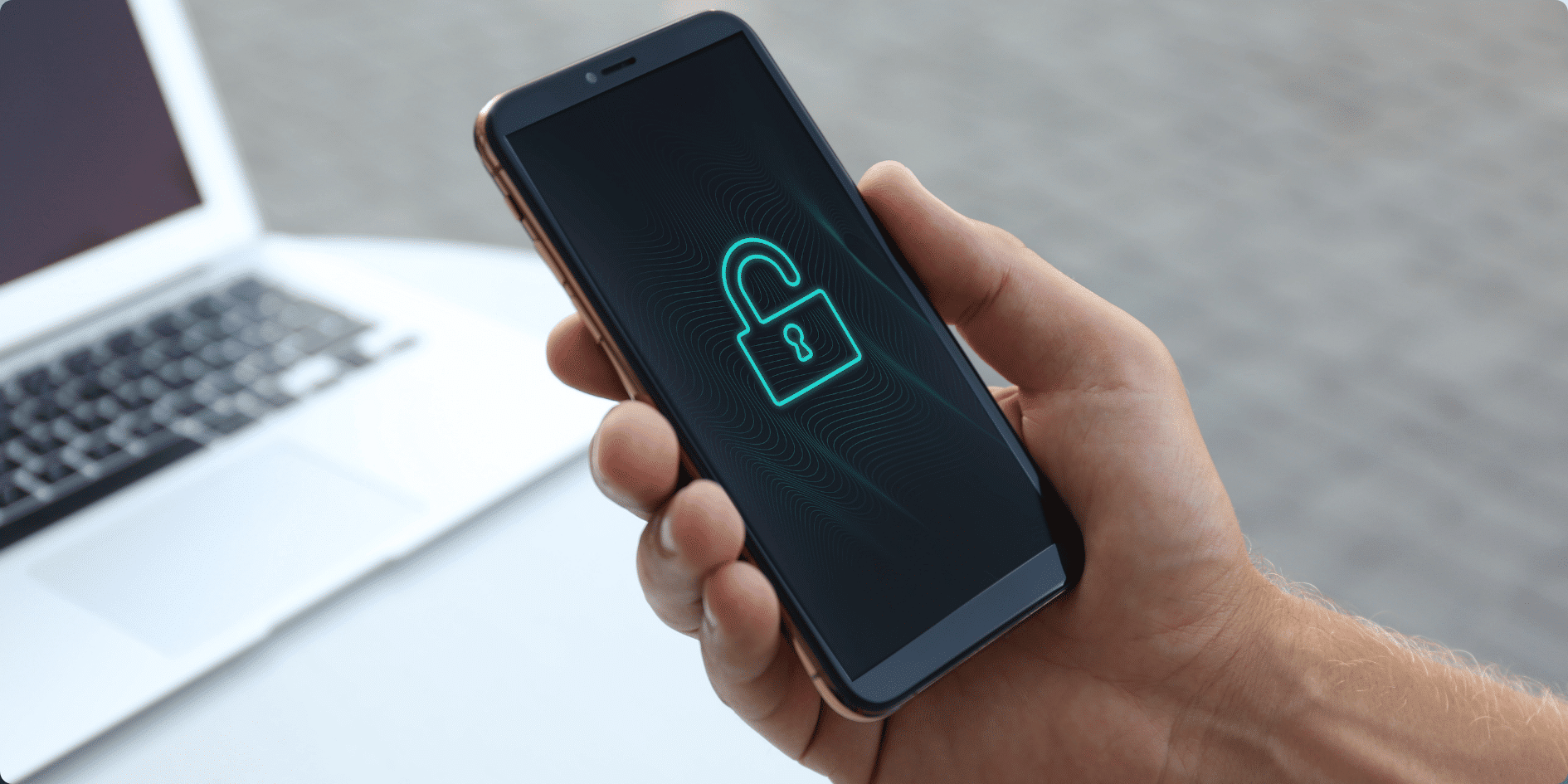
It’s Smarter Than You Think
This isn’t just a blanket screen dimmer. The S26 Ultra’s Privacy Display is intelligent about when and where it activates. It automatically kicks in when you type a PIN or password. It can shield just your notification pop-ups without blacking out the whole screen. And you can set it to activate automatically when you open specific apps, like your banking app, email, or medical records, or even only when you’re at certain locations, like the office.
There’s also a Maximum Privacy Display mode for truly sensitive situations, which tightens the viewing angle even further, useful in crowded spaces or open-plan offices where people sit close together.
Why This Matters in South Africa
In a country where mobile banking is the primary way millions of people manage their money, this feature carries real weight. Whether you’re doing an EFT at Pick n Pay, approving a transaction on your banking app, or simply checking a balance in a public space, the S26 Ultra’s Privacy Display means your financial information stays yours. It’s a feature built for real life, not a lab demo.
What About the Rest of the S26 Series?
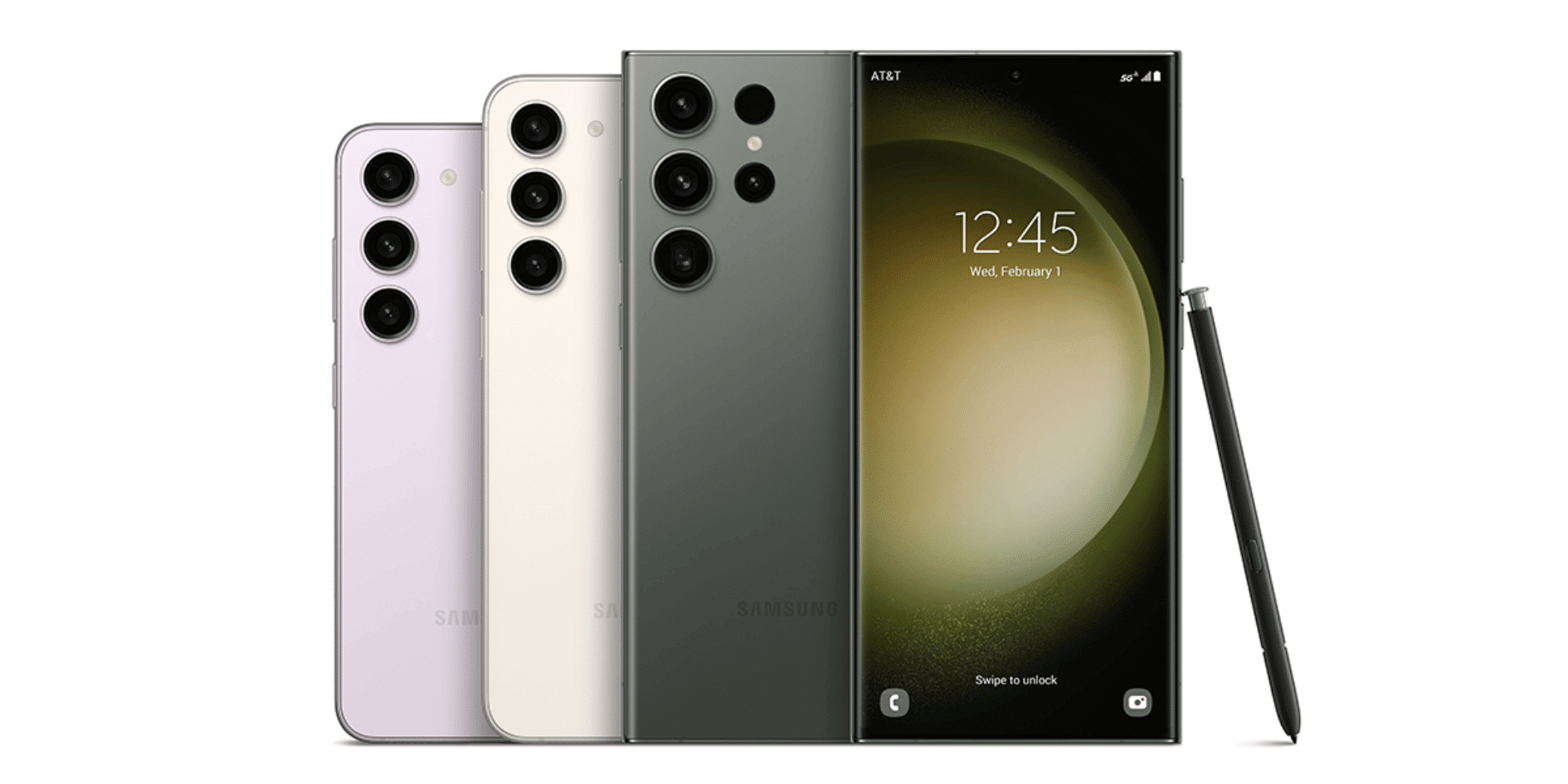
It’s worth noting: Privacy Display is currently exclusive to the S26 Ultra. The standard Galaxy S26 and S26+ don’t have it; they share the same sleek unified design, Galaxy AI features, and the powerful Snapdragon 8 Elite Gen 5 chipset, but the Privacy Display panel is Ultra-only for now.
The full S26 range is available from 3G Mobile. The Samsung Ultra can now be purchased from a local retailer near you, available in Cobalt Violet, White, Black and Sky Blue.
The Samsung Galaxy S26 Ultra Key Specs
Display
- 6.9″ Dynamic AMOLED 2X
- Brightness
- 2,600 nits peak
Privacy
- Flex Magic Pixel
- Chip
- Snapdragon 8 Elite Gen 5
Main Camera
- 200MP f/1.4
Charging
- 60W wired / 25W Qi2.2
- Battery
- 5,000 mAh
Privacy Display Modes
Standard Mode – narrows side viewing angles
Maximum Mode – tightest privacy, ideal for banking & PINs
Partial Mode – notifications only, rest of screen stays open
App-Triggered – auto-activates in chosen apps